
Five checks for your trades website
Give each main job its own page
- Use separate service pages for the main jobs you take on, such as repairs and full replacements.
- Explain what the work covers, when a visit is needed and how you quote.
- Show alcove units, fitted wardrobes and shelving separately if each needs different measurements or materials.
Show where you work
- Show the Bristol neighbourhoods and postcodes you cover where customers choose a job or ask for a price.
- Explain any differences in travel costs or call-out arrangements before someone gets in touch.
- Set out your Bristol measuring and fitting area, including whether you visit before quoting or can give an initial range from photos.
Show real work with a short explanation
- Use project photos you have permission to publish.
- Write a short caption explaining the problem and the work completed. Add anything customers should know before asking for something similar.
- Caption finished storage with the room, finish and feature the customer asked for.
Make it easy to call or ask for a quote
- Make your phone number tappable on mobile.
- Ask for a job description, postcode and contact details. Carry the chosen service into the form.
- Ask for the postcode, the type of storage and rough dimensions. Let customers share inspiration or access details if useful.
Keep the search information consistent
- Use the job names customers recognise in the page title, heading and links.
- Link related services and genuine projects so visitors can find more detail.
- Link each joinery example from the matching service page so a visitor can compare similar projects.
A real example of a shorter enquiry
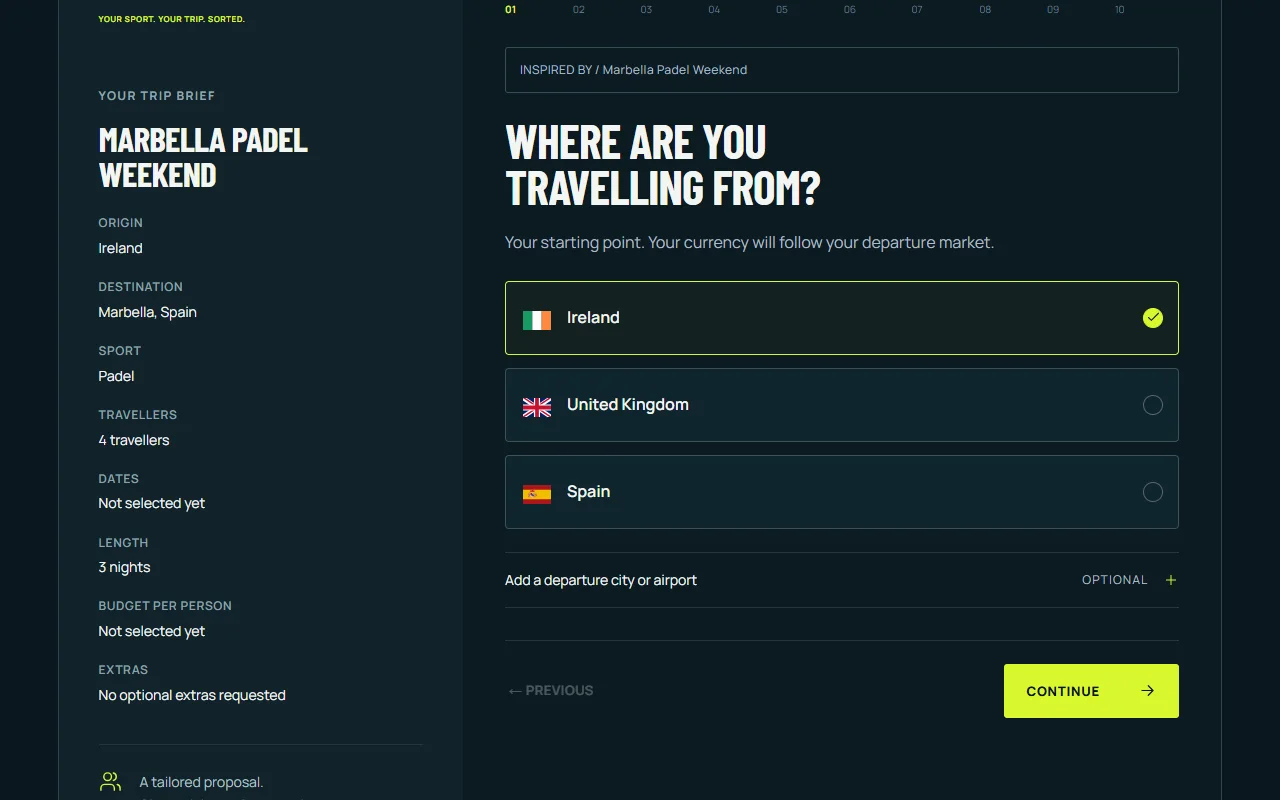
On Travel With Sport, the enquiry form carries forward the sport and destination a visitor chose. The same pattern works for a trades website. Keep the chosen job in the form and ask for the postcode and job details you need to plan the next step.