
Five checks for your trades website
Give each main job its own page
- Use separate service pages for the main jobs you take on, such as repairs and full replacements.
- Explain what the work covers, when a visit is needed and how you quote.
- List the repairs you carry out and where you refer work on. A clear list lets customers check if you can help.
Show where you work
- Show the Oxford neighbourhoods and postcodes you cover where customers choose a job or ask for a price.
- Explain any differences in travel costs or call-out arrangements before someone gets in touch.
- Explain your Oxford visit area and ask early about parking, shared entrances and who can give you access.
Show real work with a short explanation
- Use project photos you have permission to publish.
- Write a short caption explaining the problem and the work completed. Add anything customers should know before asking for something similar.
- Caption a job with the issue reported and the finished repair. Choose examples that show the scale of work you accept.
Make it easy to call or ask for a quote
- Make your phone number tappable on mobile.
- Ask for a job description, postcode and contact details. Carry the chosen service into the form.
- Ask for a postcode and a short property or room description. Give people a way to note the best time for a visit.
Keep the search information consistent
- Use the job names customers recognise in the page title, heading and links.
- Link related services and genuine projects so visitors can find more detail.
- Keep links for property repairs and planned improvement work separate if they have different next steps.
A real example of a shorter enquiry
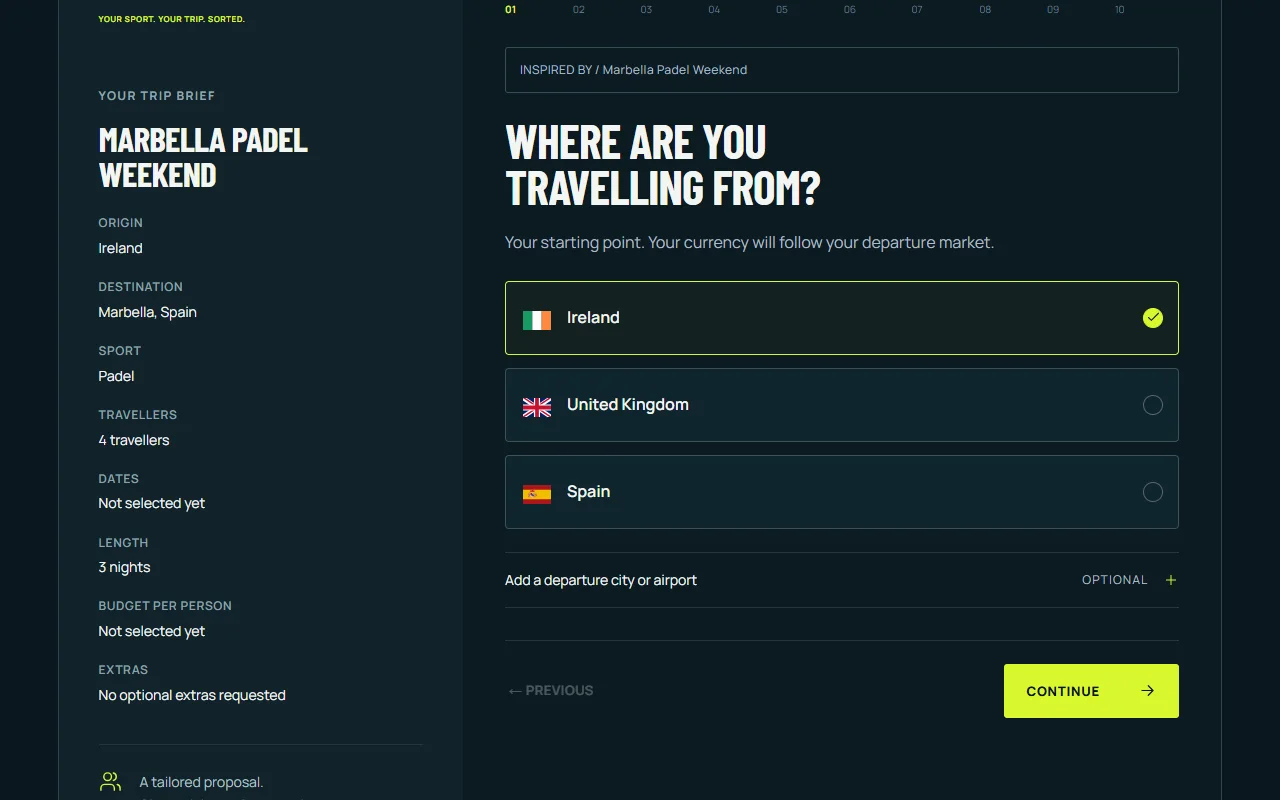
On Travel With Sport, the enquiry form carries forward the sport and destination a visitor chose. The same pattern works for a trades website. Keep the chosen job in the form and ask for the postcode and job details you need to plan the next step.